Search
  • Information
    • About
    • Contact
    • Privacy Policy
  • Blog
  • Subscribe
  • Tutorials
    • Tutorials
    • Doll Clothes: Photos and some Patterns
  • Suggested Reading
  • Quilts: My Original Designs
  • Gallery: Color Studies
  • Gallery: Quilts I've Made
  • Doll Making Blog Posts
  • Recent blog posts
  • Quilts Based on The Improv Handbook for Modern Quilters
Close
Menu
Search
Close
  • Information
    • About
    • Contact
    • Privacy Policy
  • Blog
  • Subscribe
  • Tutorials
    • Tutorials
    • Doll Clothes: Photos and some Patterns
  • Suggested Reading
  • Quilts: My Original Designs
  • Gallery: Color Studies
  • Gallery: Quilts I've Made
  • Doll Making Blog Posts
  • Recent blog posts
  • Quilts Based on The Improv Handbook for Modern Quilters
Menu

Sleeping Dog Quilts

SLEEPING DOG QUILTS

October 8, 2015

Dancing Circles Sample Swatches Baby Quilt

by Judy Tucker


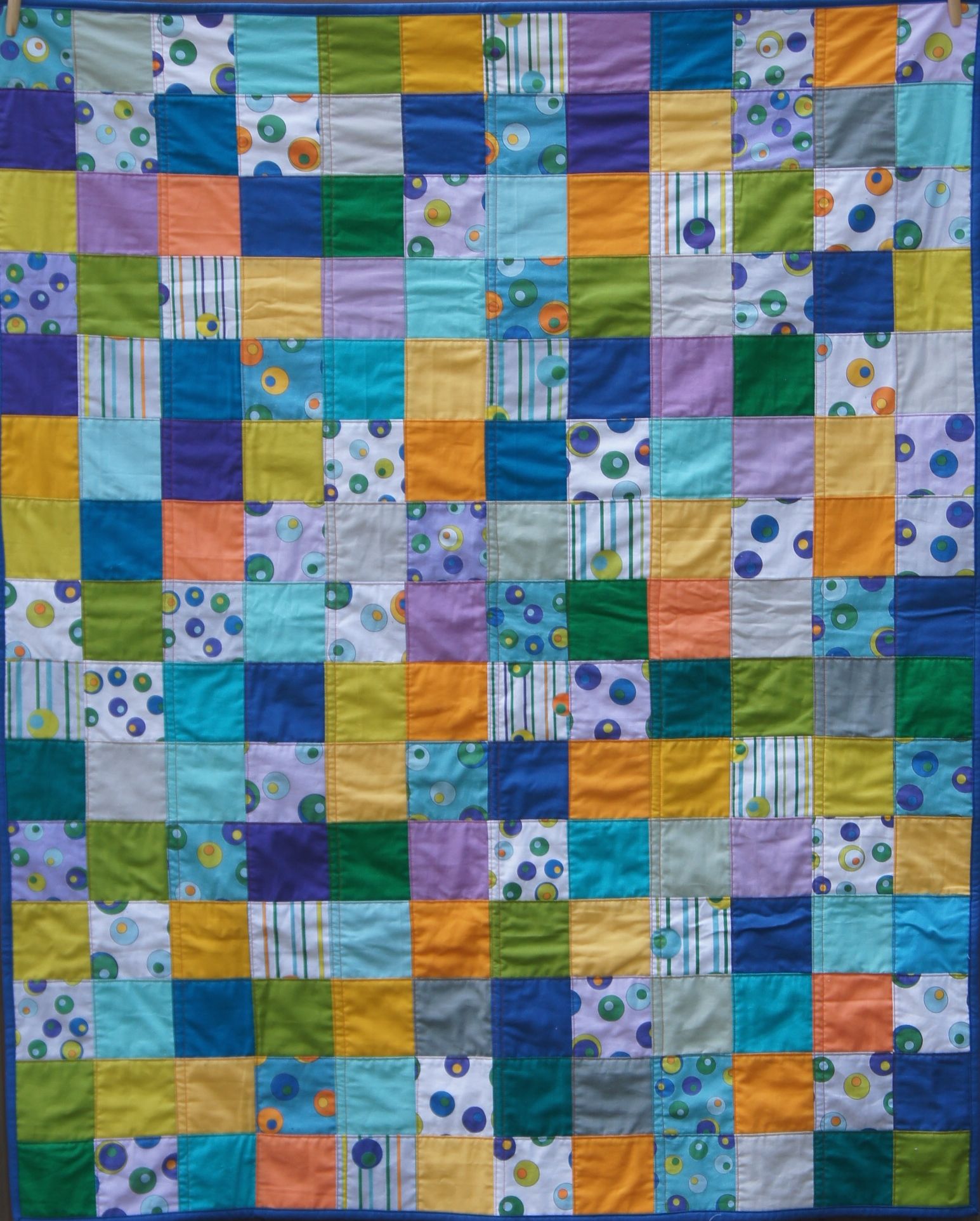
Dancing Circles Fabric and Kona Cotton Solids 42 x 52 inches

Dancing Circles Fabric and Kona Cotton Solids 42 x 52 inches

Dancing Circles Fabric and Kona Cotton Solids 42 x 52 inches

Dancing Circles Fabric and Kona Cotton Solids 42 x 52 inches

Spoonflower.com makes 8 x 8 inch test prints when you submit a new design. I had a stack of these blocks by the time I was happy with my recently completed Dancing Circles designs. 

I cut them up into 4 x 4 inch squares and picked coordinating colors from my stash of Kona® Cotton solids to make this fun baby quilt!  The circles dance and I think the quilt does too!

TAGS: Dancing Circles, Kona® Cotton Solids, Baby Quilt, Spoonflower.com


October 1, 2015

More Adventures in Fabric Design

by Judy Tucker


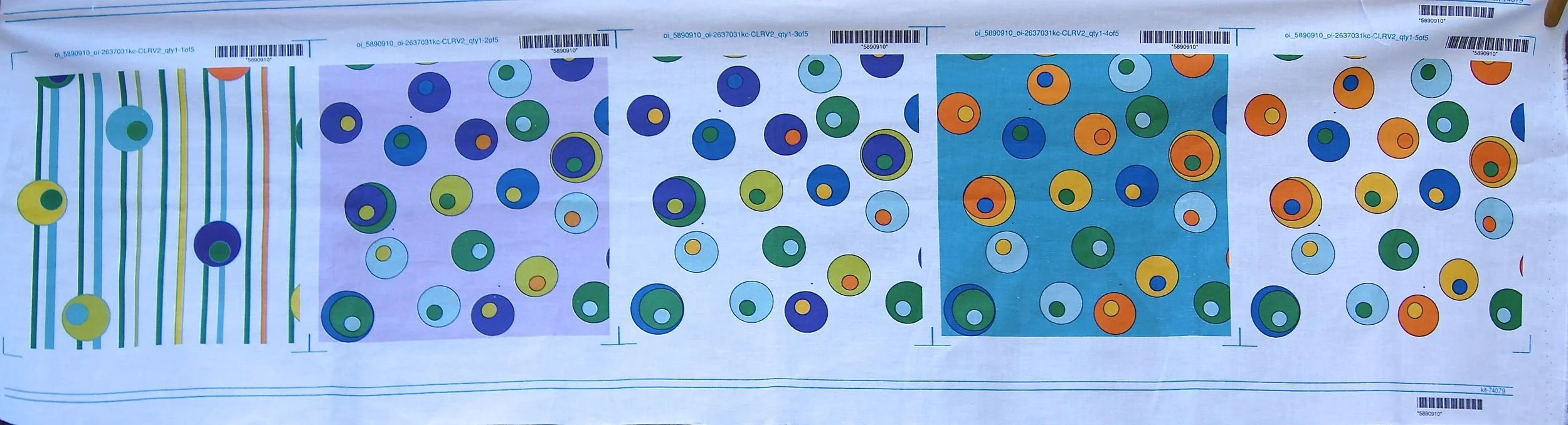
First set of "Dancing Circles" proofs from Spoonflower.com

First set of "Dancing Circles" proofs from Spoonflower.com

First set of "Dancing Circles" proofs from Spoonflower.com

First set of "Dancing Circles" proofs from Spoonflower.com

At the moment I'm fascinated with the process of designing patterns which can be printed on fabrics.  I spent a lot of my time in September doing on-line classes trying to learn the basics of  Adobe's IllustratorCC.  It's a program on Adobe's CreativeCloud.  The first month can be a free trial so I was working hard to see what I could accomplish in those 30 days.

I started out by drawing a complex design and using IllustratorCC to trace it.  The program did a great job of tracing but I didn't have the skills needed to color it.  This is not a program you can just jump into casually.  So I went back to the start to learn how to do use the program step-by-step. Watching videos on-line is awesome, but it's important to actually practice using the tools in the program as you learn about them.

After a few days I decided to try creating a basic design that was well within my skill set.  I use a medium Wacom Intuos Pen Tablet, but my "Dancing Circles" designs are simple enough to be done with a mouse.  You can see my first attempt in the printed proofs I got from Spoonflower.com which are shown above.  This design is based on circles inside circles created using the Ellipse tool.  The linear variation was done using a straight line and the Snap To feature with a Grid visible on the Art Board. 

I liked my designs, but on the proofs I discovered my pen had apparently touched my tablet several times, leaving tiny black dots on each of the circle designs. I find errors on the prints that I just don't see when I'm looking at my computer screen.  Clearly there is a good reason Spoonflower won't allow the sale of a design until a proof has been printed and approved by the designer!

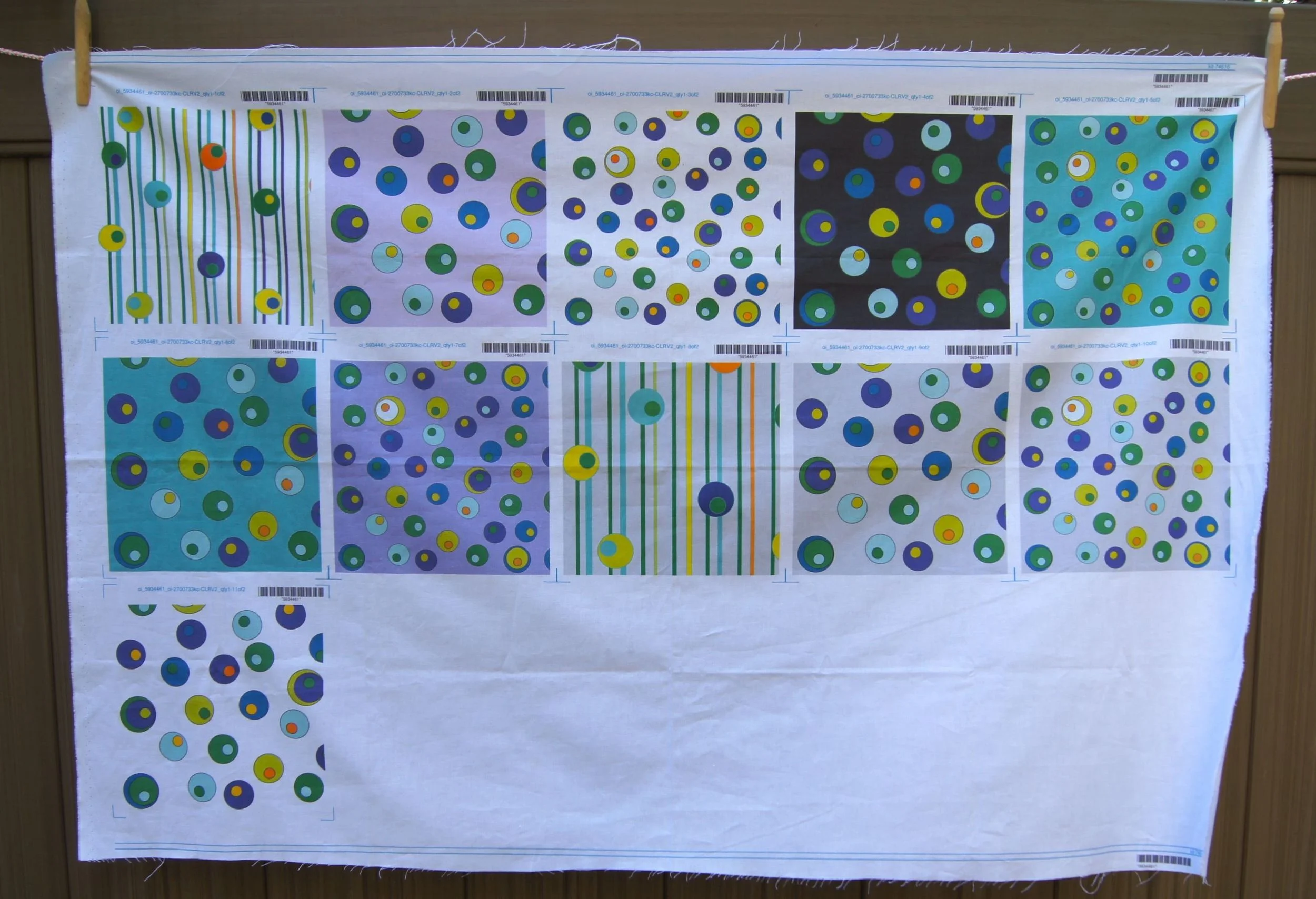
So I went back to Illustrator and deleted all the accidental dots.  Then I went back to Spoonflower and used PicMonkey, a program available through Spoonflower.com to apply several different colors in the background and to change the size of my circles on some of the designs. Then I ordered another set of proofs. Here is that proof sheet.
Second Set of Proofs of "Dancing Circles" printed by Spoonflower.com

Second Set of Proofs of "Dancing Circles" printed by Spoonflower.com

The tiny black dots are gone!  But this time I found faint halos around the circles with the darkest backgrounds. That didn't occur on the first proofs.  I'm not sure what happened.  But I'm happy with the white background, the light grey background and the light lavender background, which all look great, so those are my finished designs. 

I did learn how to do a lot more things in IllustratorCC by the end of my 30 day trial. I'll make more designs using Illustrator at some point.  At the moment I'm working on a project that just uses Adobe PhotoshopCC. And I have a quilt idea to use the 8x8 inch "Dancing Circle" proofs.

The Dancing Circles designs are available now in my shop at Spoonflower.com.  Even if you aren't planning to make a purchase, stop by and click the Like Heart if you really like a particular fabric!

4 Comments

TAGS: Dancing Circles, Spoonflower.com, Adobe Illustrator, Adobe Photoshop, PicMonkey


Powered by Squarespace 7