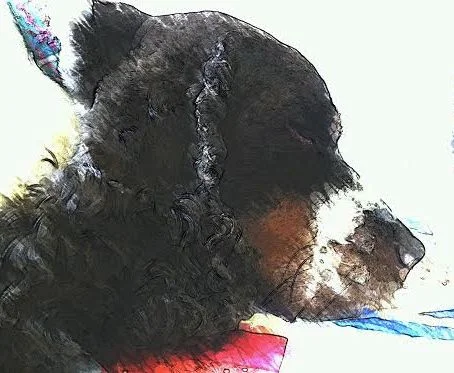

Fox in the Forest? — I think not!
This new quilt for new quilt I’m planning is totally outside my comfort zone! It’s orange and it has large loud flowers! I don’t know what got into me. I clearly fell down the proverbial rabbit hole looking a fabrics online!
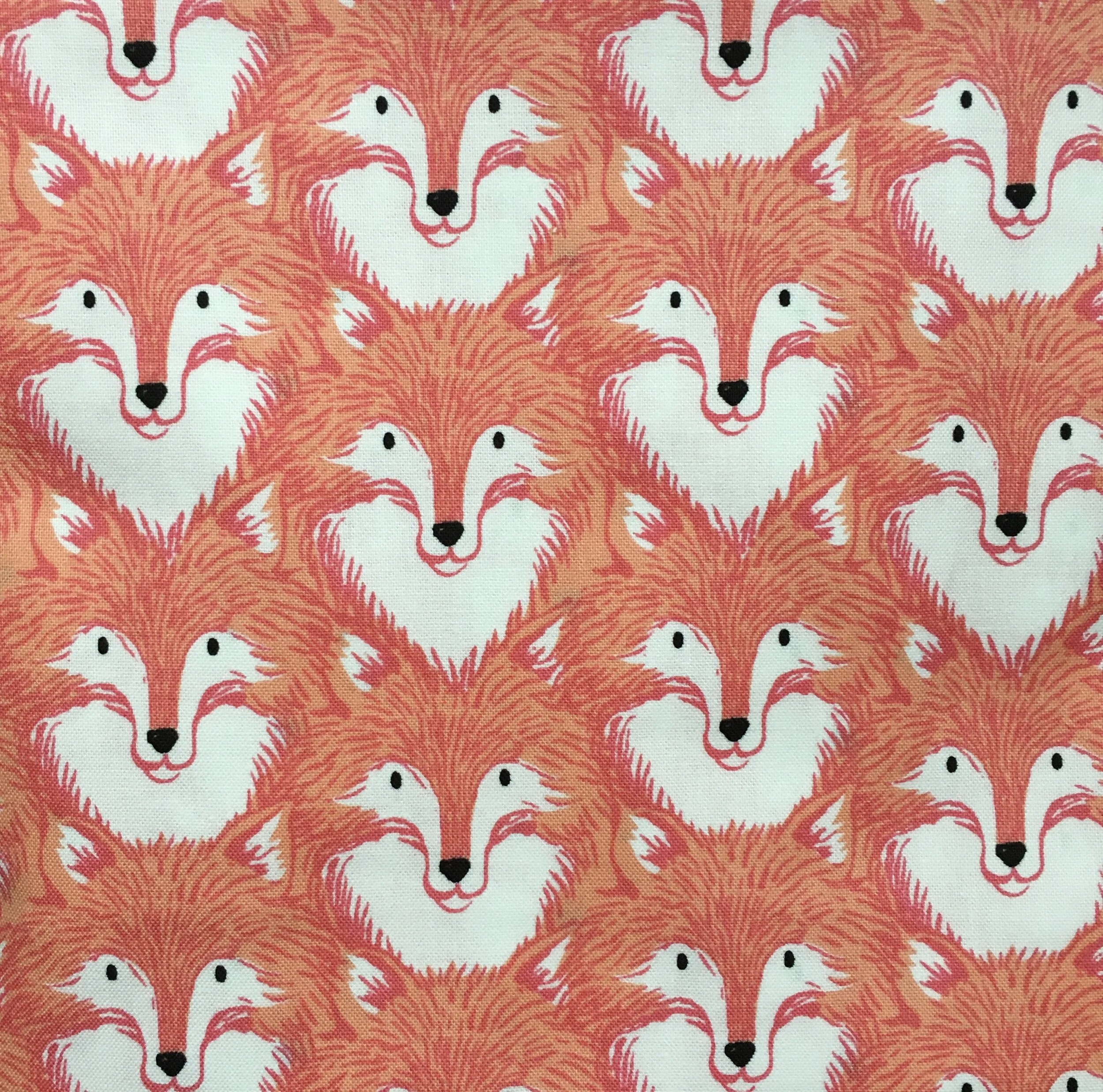
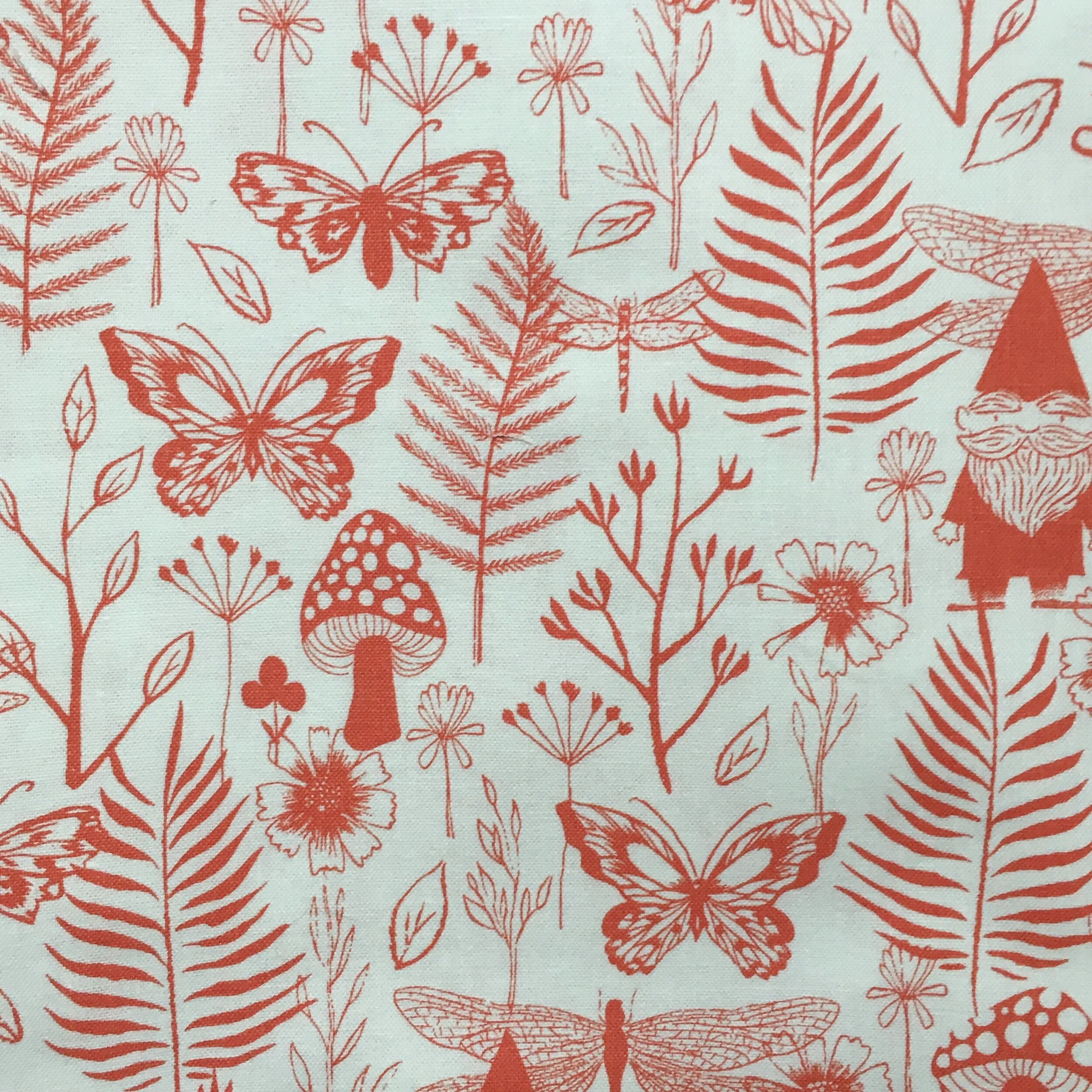
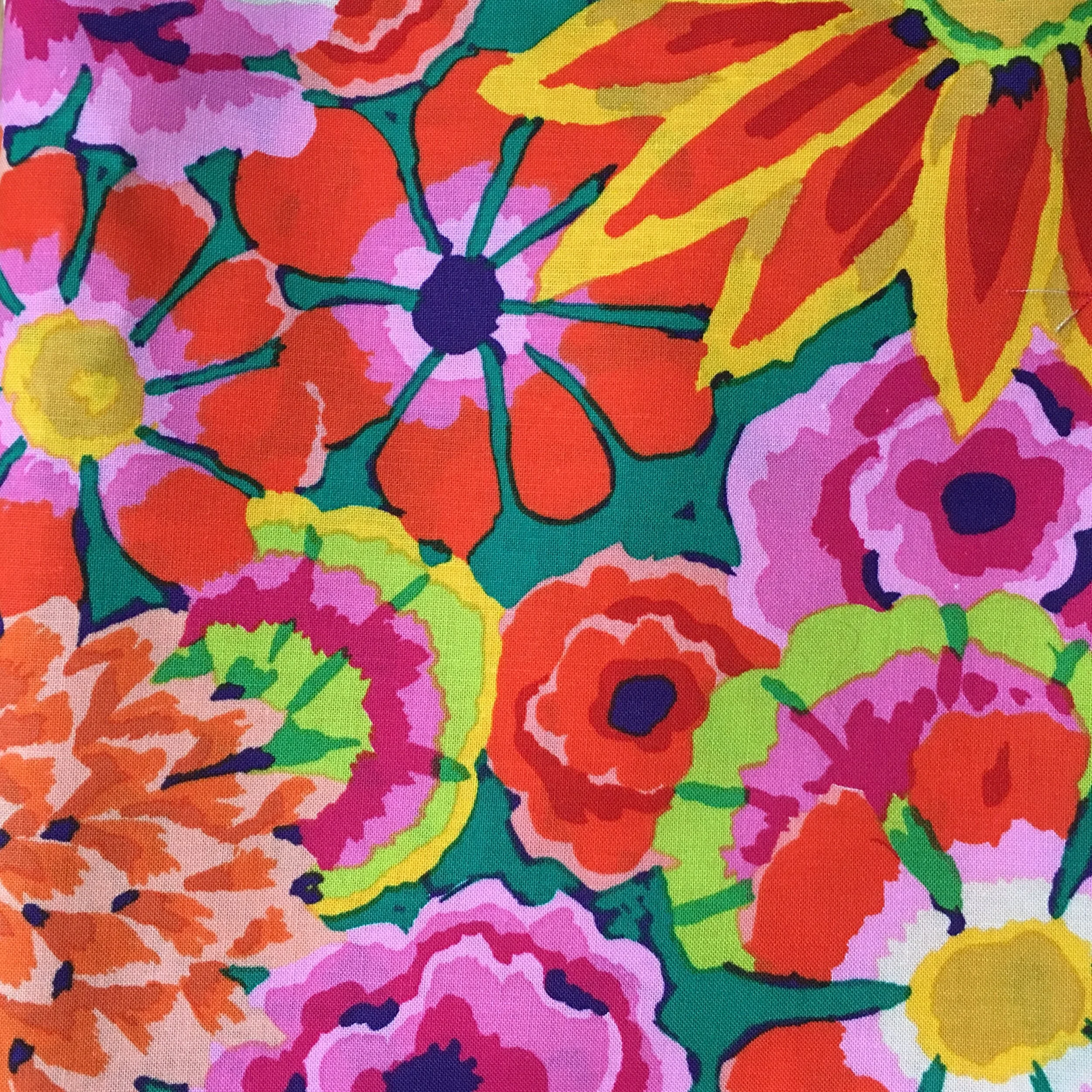
Here are the 3 fabrics I chose: Left to Right
“Magic Forest” by Sarah Watts, Cotton + Steel, a division of RJR Fabrics
“Front Yard” from Home Sweet Gnome line by Sarah Watts, Cotton + Steel, a division of RJR Fabrics
“Enchanted” Kaffe Fassett Collective for Free Spirit Fabrics
I designed the quilt at top in Electric Quilt 8, using a Courthouse Steps version of a Log Cabin block. It’s such a traditional block, that I really can’t say that I actually did any designing.
The most challenging part of the design was importing the fabrics into EQ8. I hadn’t imported any fabrics for a long time and so I was basically starting from scratch. First I imported my fabric photos into the Image Worktable of the project I was working on. The photos come in HUGE— at the width of yardage. So each fabric photo needs to be “scaled” to match the actual fabric design using the icon in the Edit Options Box. Finally the fabric can be added to the fabric library for the quilt worktable you are working on by using the “Add as fabric” icon in the Worktable Tools Box located just below the Edit Options Box (NOT just clicking the add to sketchbook icon in the left margin). Once I understood the process and the sequence, it was easy to do. But it took me a while to figure out how to do that.
Inputting the fabric was definitely worth doing. The fabrics lined up next to each other look like they play very well together. in real life, they look like thy are light/medium/dark and should have ample contrast. But once I added the fabrics to my quilt design, I’m really not seeing that contrast. The quilt just look muddy. This is clearly not the right pattern for these three fabrics.
Here’s what the quilt design looked like with using colors/fabrics build into EQ8. This design really dances using fabrics with better contrast.
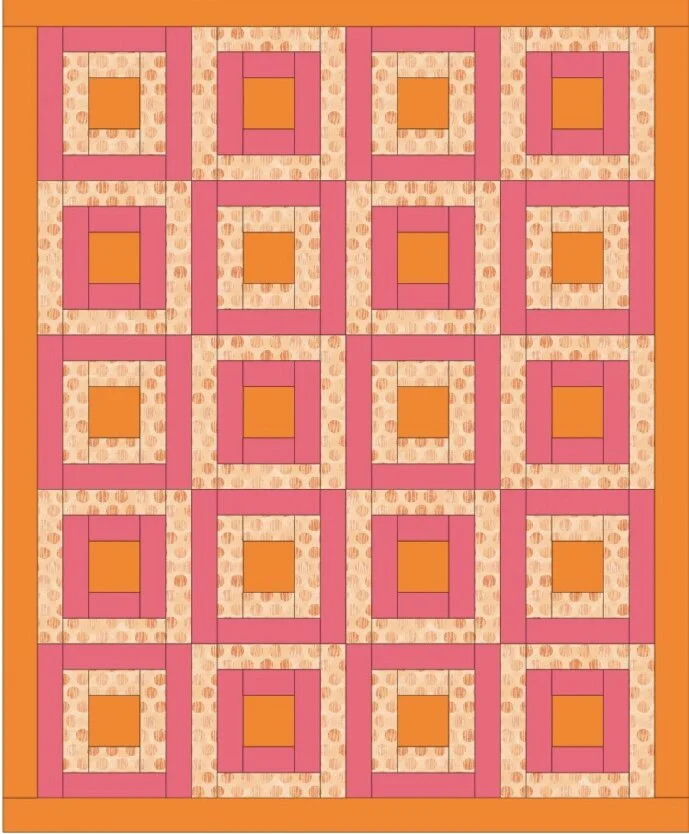
The good news is, I do have another fabric collection that will work with this courthouse steps pattern.
As to the fox/flower/gnome fabrics, I need to add some more colors to that set to give more contrast. I’m currently thinking it might be a good improv quilt….maybe with some portholes. Time will tell.
While I’m mulling that over, I’m going to go cut out the other fabric I’m using for this pattern.