Search
  • Information
    • About
    • Contact
    • Privacy Policy
  • Blog
  • Subscribe
  • Tutorials
    • Tutorials
    • Doll Clothes: Photos and some Patterns
  • Suggested Reading
  • Quilts: My Original Designs
  • Gallery: Color Studies
  • Gallery: Quilts I've Made
  • Doll Making Blog Posts
  • Recent blog posts
  • Quilts Based on The Improv Handbook for Modern Quilters
Close
Menu
Search
Close
  • Information
    • About
    • Contact
    • Privacy Policy
  • Blog
  • Subscribe
  • Tutorials
    • Tutorials
    • Doll Clothes: Photos and some Patterns
  • Suggested Reading
  • Quilts: My Original Designs
  • Gallery: Color Studies
  • Gallery: Quilts I've Made
  • Doll Making Blog Posts
  • Recent blog posts
  • Quilts Based on The Improv Handbook for Modern Quilters
Menu

Sleeping Dog Quilts

SLEEPING DOG QUILTS

January 28, 2021

Bringing a New Quilt Design to Life

by Judy Tucker


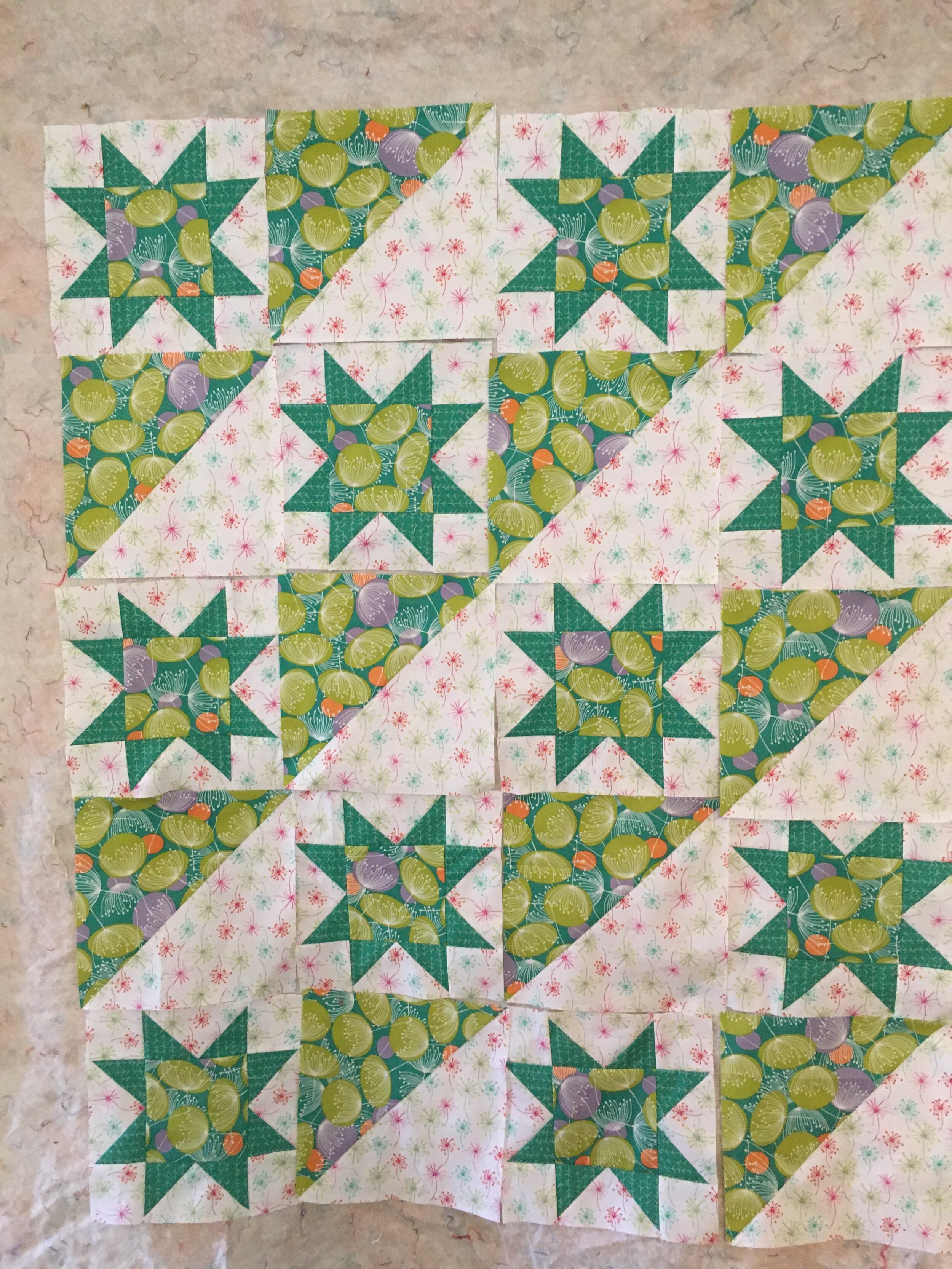
Quilt top in progress

Quilt top in progress

Quilt top in progress

Quilt top in progress

If I were a teacher, and if my post last week was multiple choice test, my students would on a rant today! That post is about a quilt pattern I was designing. I showed 4 variations, and thought the 4th design was the one I was I’d chosen to make. Turns out the final design was not a, b, c, or d, but e—”none of the above”. Uh-oh!! That wasn’t even listed as an option last week—but it has to always be a possibility in the creative process.

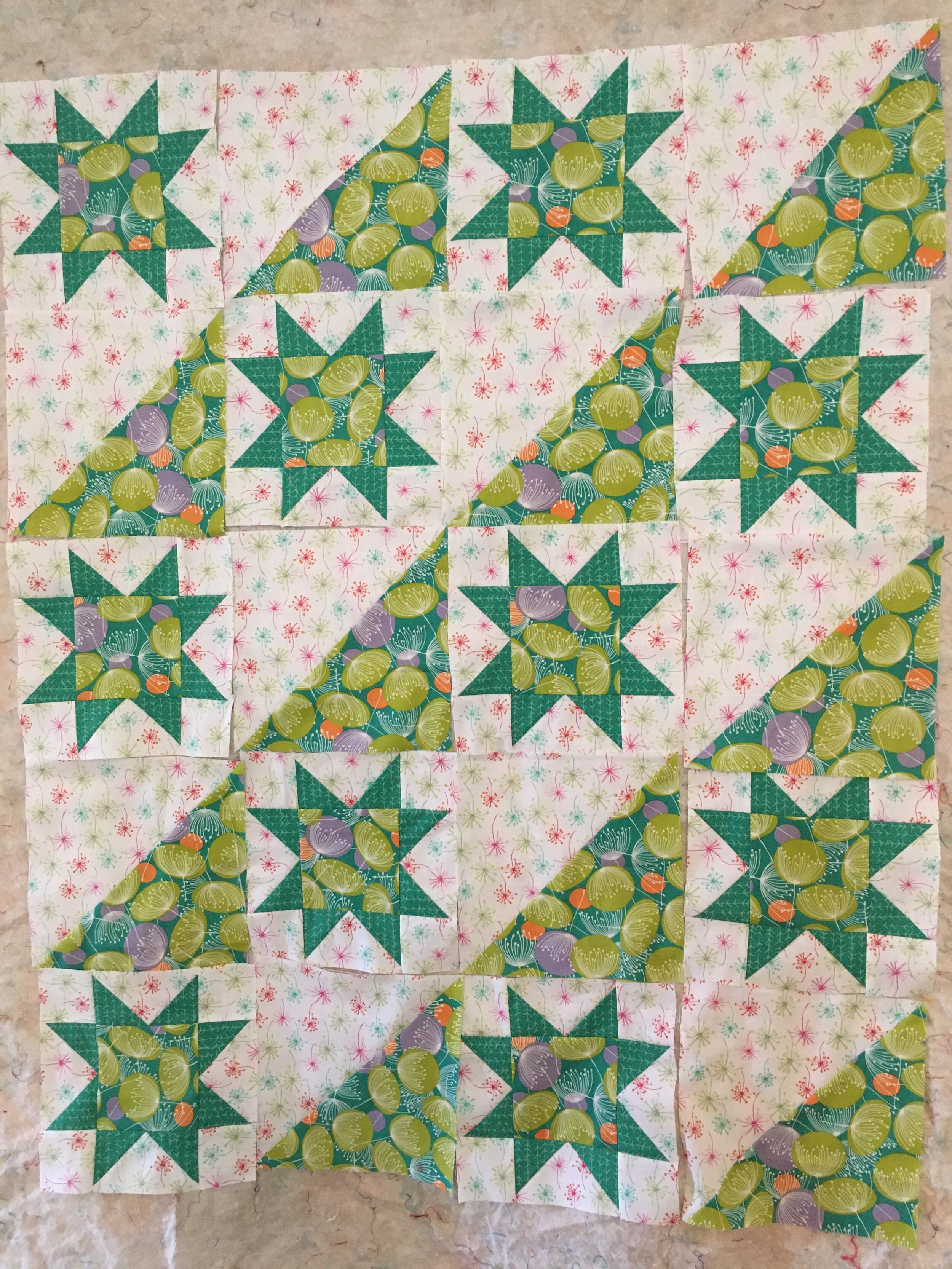
When I started sewing the star blocks, I realized that the flowers were facing north, south, east and west. I put my blocks up on my design wall and tried several variations, taking snap shots of each.
F6F6848E-62FD-4516-A881-0617C792CB23.jpeg
8809752C-304C-4388-A99E-0DDA4D4F347B.jpeg
90C86512-944A-437D-83C8-D7F045D0F795.jpeg

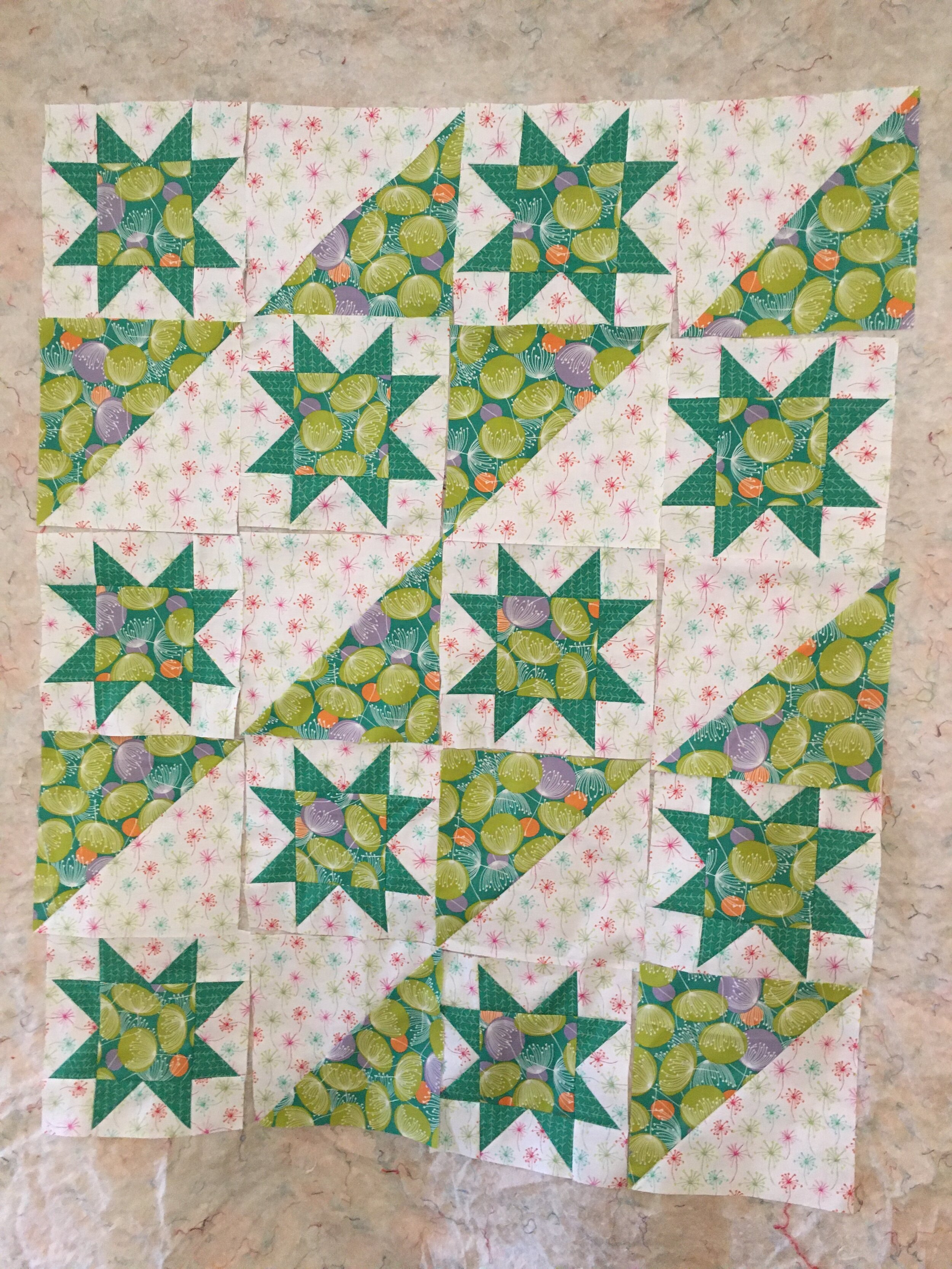
After looking at my snap shots, I decided have the flowers in the large half square triangle blocks, face north and south. So now the design doesn’t have a designated top and bottom—it looks the same from both ends of the quilt. This might not work with a fabric design that was bolder, but I think it’s just fine with the dainty little flowers.

I still have borders to add the to quilt top. I was racing to finish sewing the main blocks in the top so I could get a photograph for this post before a snow storm arrived. So you’re seeing what I’ve sewn so far. (And yes, the snow and dusk both arrived just an hour after I took the picture).
TAGS: Designing quilts, half square triangles, Star Blocks


January 21, 2021

Coming Up With A Quilt Design using Electric Quilt 8

by Judy Tucker


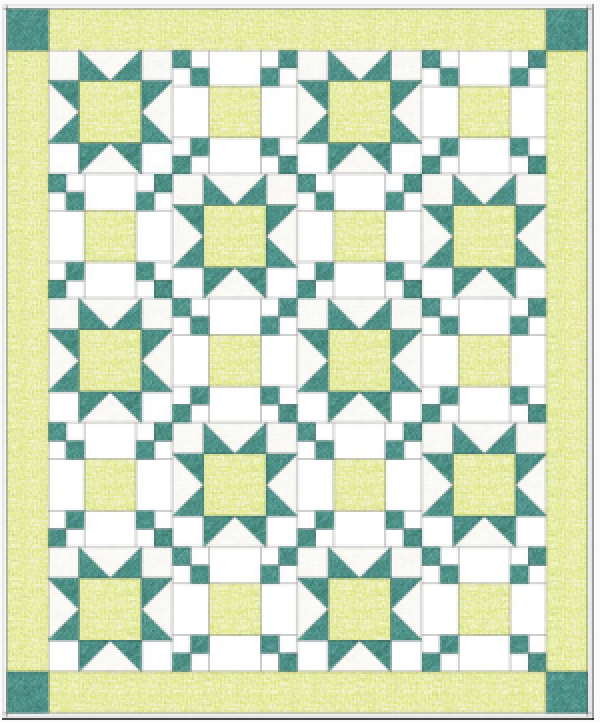
Quilt Design #1

Quilt Design #1

Quilt Design #1

Quilt Design #1

I thought I’d show you my work process in designing a quilt pattern in the program Electric Quilt 8 (EQ8).

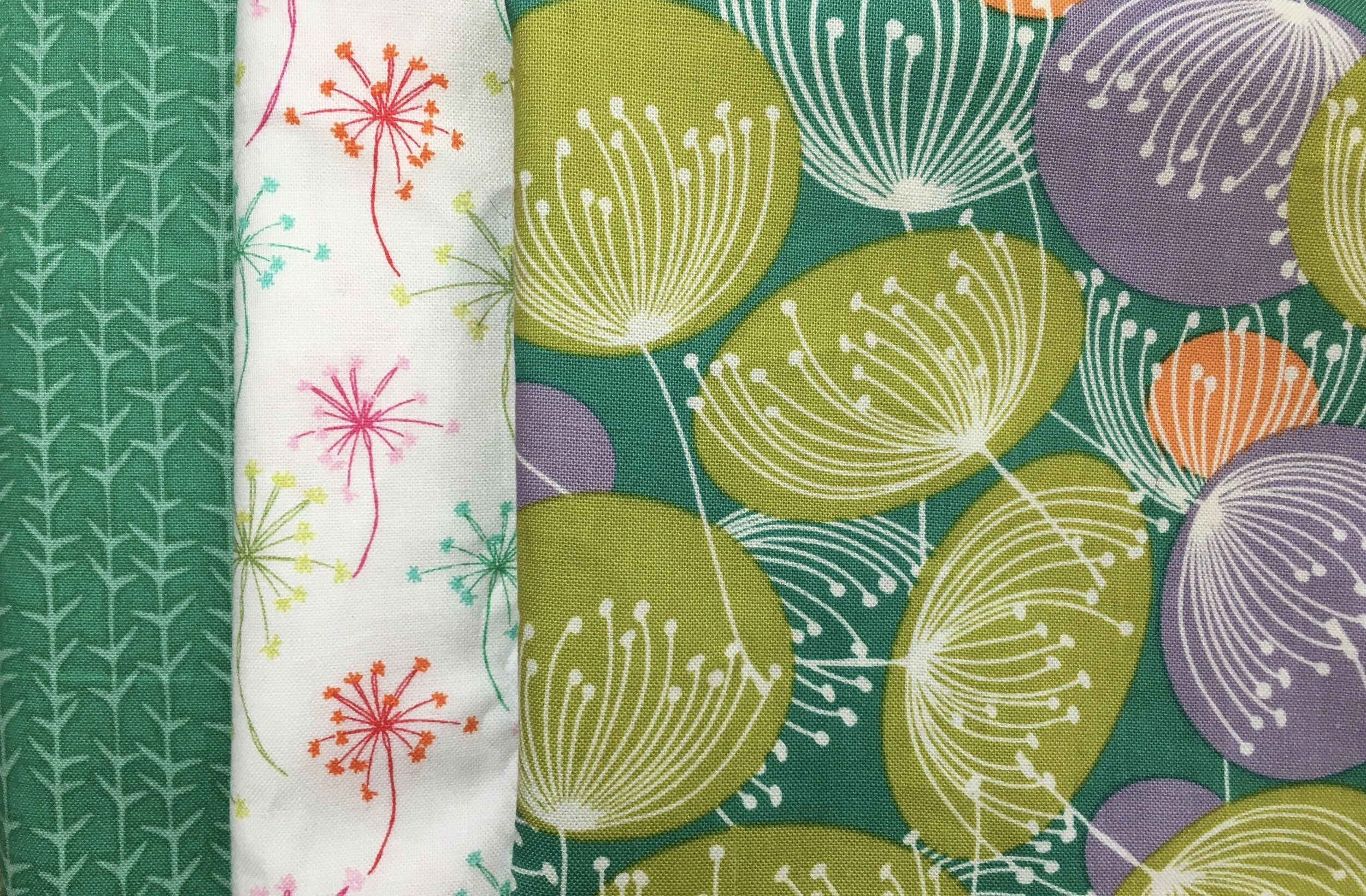
I have a feature fabric in greens and teals with a fairly large design. Two of the three fabrics for this quilt are directional (blossom at the top, stems at the bottom). So both the size of the print and the direction of the design need to be considered in the quilt’s design.

Left and middle fabrics are directional, the right hand one is not.

Left and middle fabrics are directional, the right hand one is not.

I started out thinking I wanted to make a quilt with 9 patches. But hunting through the block library on EQ8 my eye was drawn to the eight pointed star above. It’s called EQ Default Variable Star. That large central square would really be able to feature the large teal, yellow-green, lavender and orange fabric. So I put that block on my design table.

I still wanted to have some a block that would travel linearly through the pattern. So I chose the simple large half square triangle as my second block.

Well, okay. That works. But I still wanted to see if I could design a quilt with a chaining block. So below is trial number number 2.

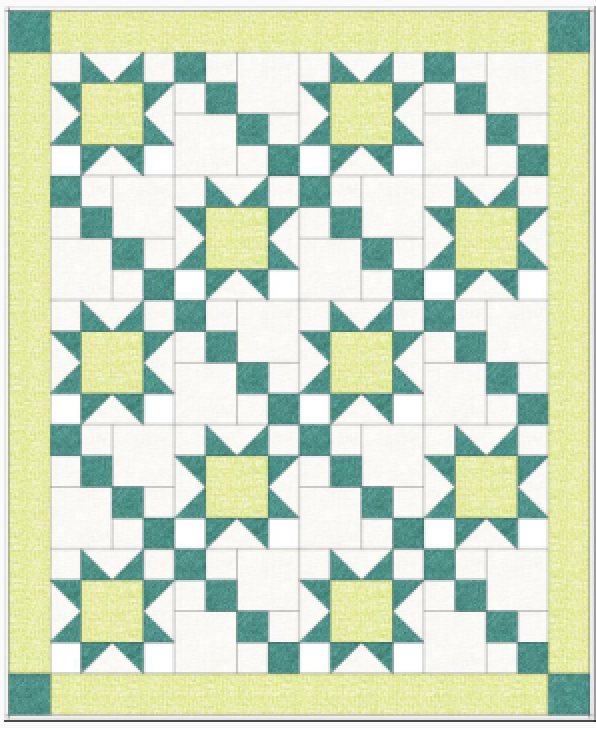
Quilt Design #2

Quilt Design #2

I kept the 8 pointed star and added the LeMoyne Single Irish Chain. The chaining is interrupted by a larger central square which I thought be be great for my large feature fabric. I like the idea, and the way the chains bring the eye to the star block. But as I sat and looked at the design, I realized it has an irritating flaw. Can you see what it is?

The squares in the center of the star block and the center of the LeMoyne block are different sizes. It just looks wrong. I thought about redesigning one of the blocks, but wasn’t in the mood to fiddle around with it.

So on to design number 3.

Quilt Design #3

Quilt Design #3

I switched out the LeMoyne Single Irish Chain block for a Double Four Patch Block. That creates a chain that flows in one direction across that quilt. This definitely works.

But I was out of time for the day, so I saved my designs in the program’s Project Sketchbook and called it a day.

My folks had a policy of always looking at a piece of artwork on two different days to be sure they really liked it before they bought it. Something that looks good on an initial impression may not be as great looking at it again. I have no idea how many times they walked away and left something on second look. It would have be fun to know.

I tell you this story because my decision about which design to choose was different when I came back to my work table on another day. Number 2 was still out of the running due to the different size squares in the design. When I finished up the first day, Number 3 was my favorite. It’s a good design and I’m keeping it for another time.

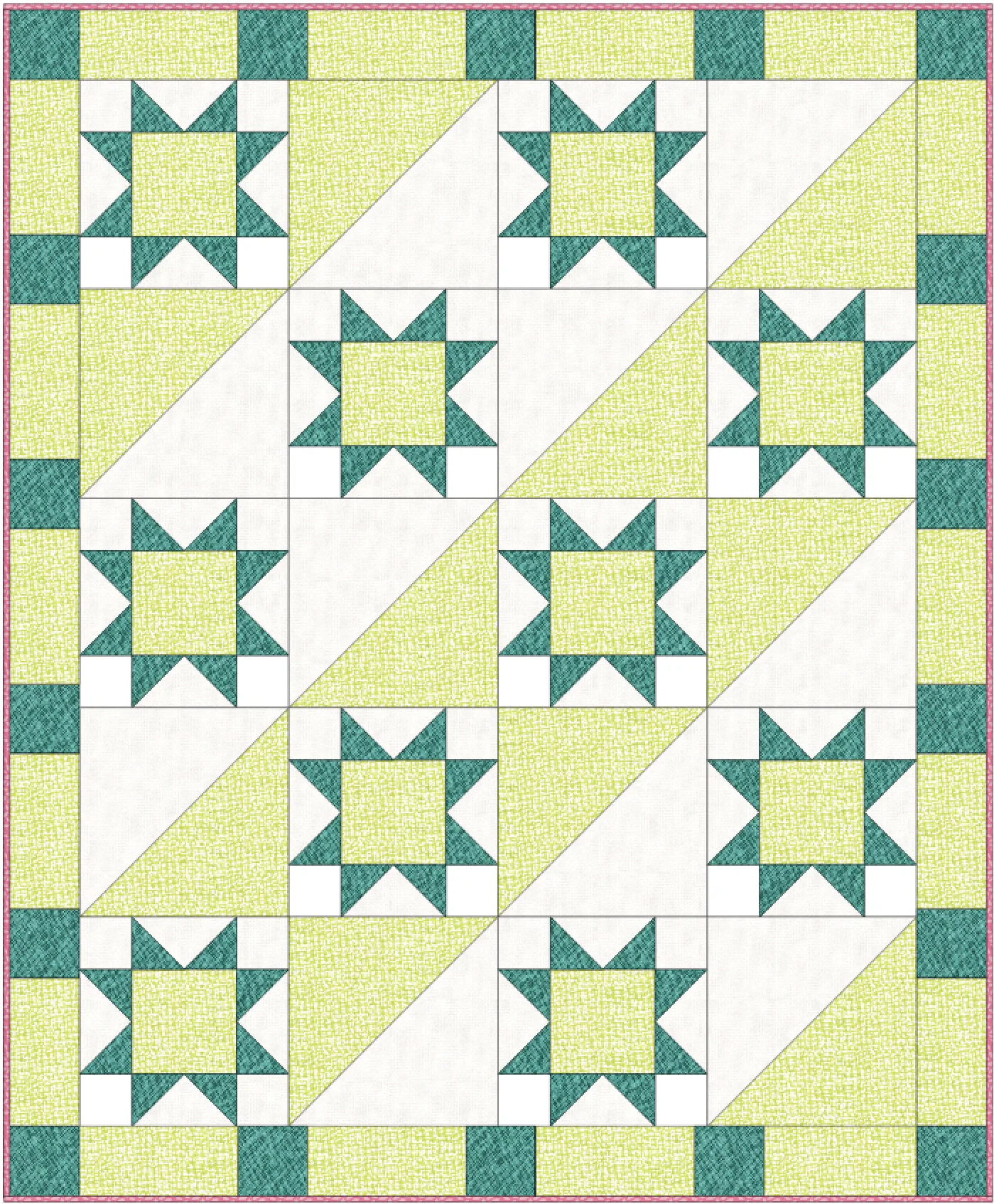
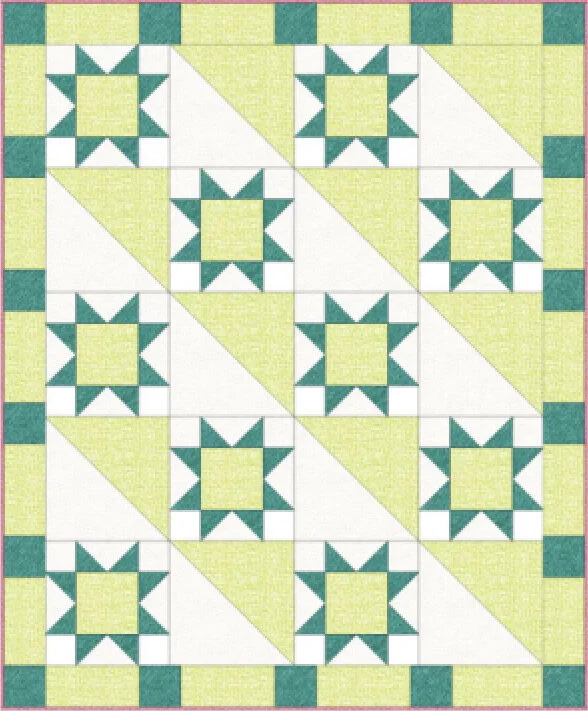
But I ended up choosing design Number 1. Of the 3 designs, it is really going to showcase my large feature fabric. However, I needed to change the layout of the half square triangle blocks in order to keep the flowers on the white fabric upright. I didn’t have enough fabric to have all the half square triangles in the same orientation. But one of the awesome things about EQ8 is that you can rotate the blocks anyway you want. So after a few trials, here’s what I think the quilt will look like.

LilyGrace'sFinalQuiltDesign.jpg

I think it is going be fun to do some diagonal quilting across the entire quilt.

So there you have it! Quilt Design #1 Variation B is going to the cutting table!

TAGS: Designing quilts, Designing a Quilt using Electric Quilt 8, PIcking a quilt design, PIcking a Quilt Design to Feature a Fabric


December 7, 2017

Electric Quilt 8: Experimenting with Foundation Piecing in the New Upgrade

by Judy Tucker


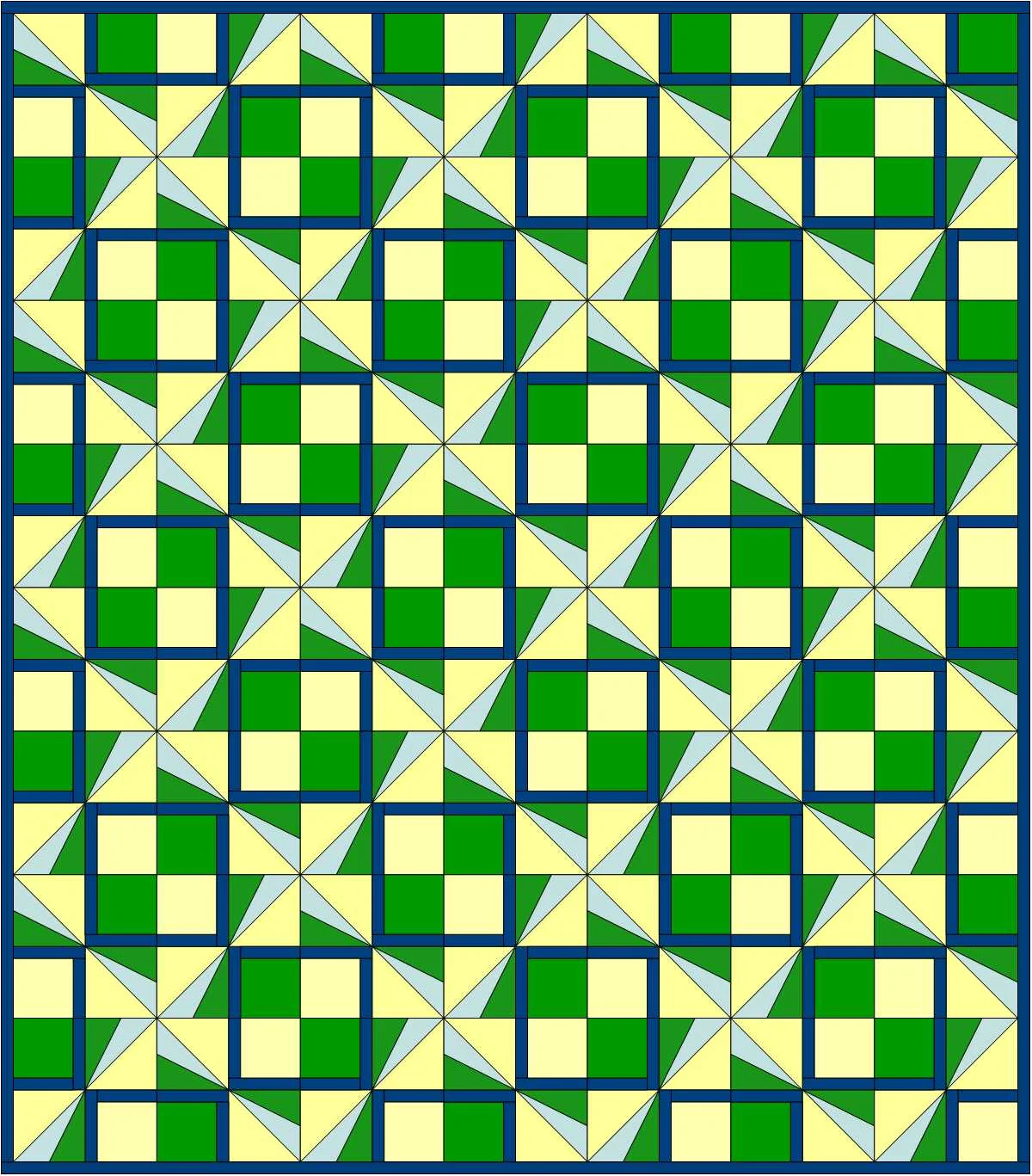
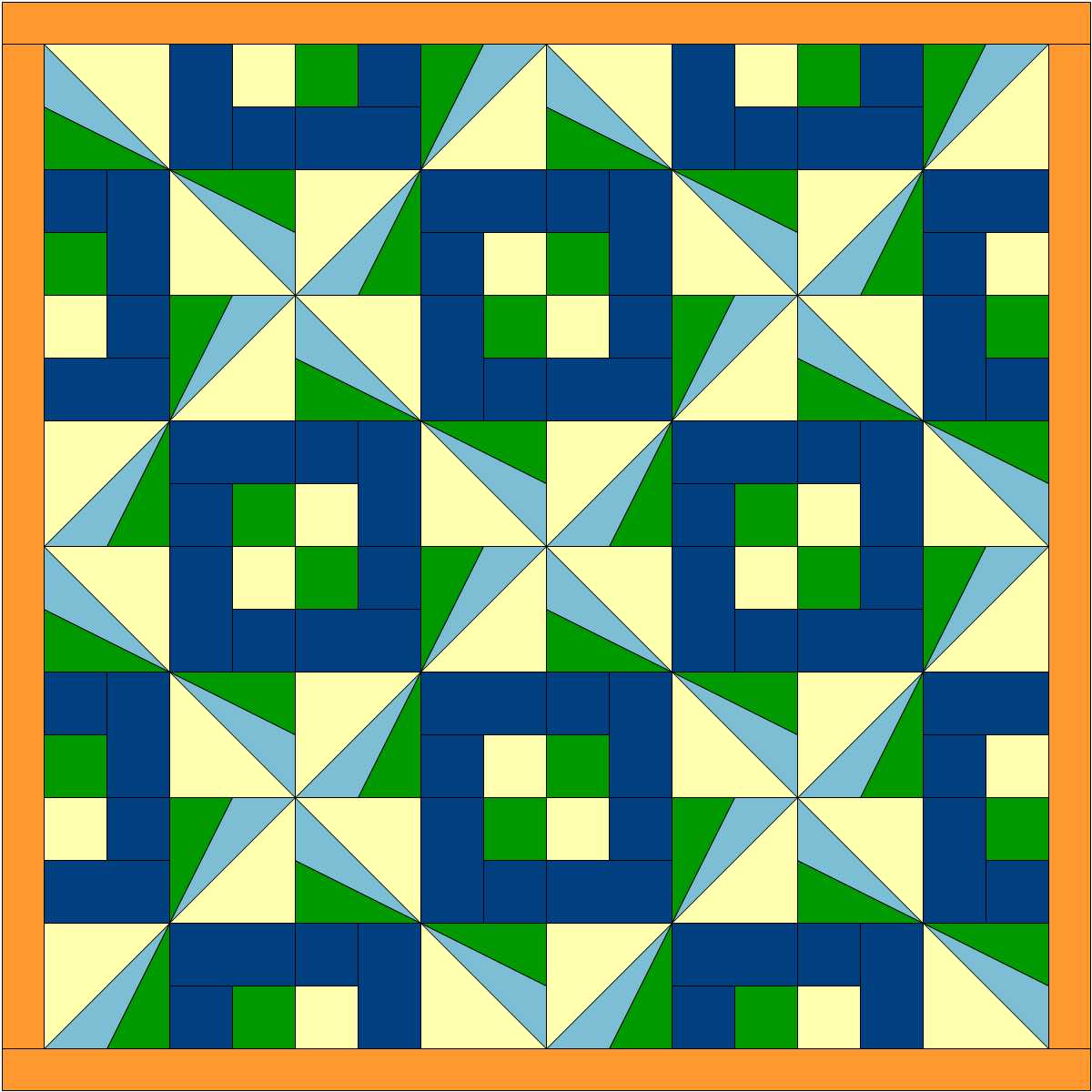
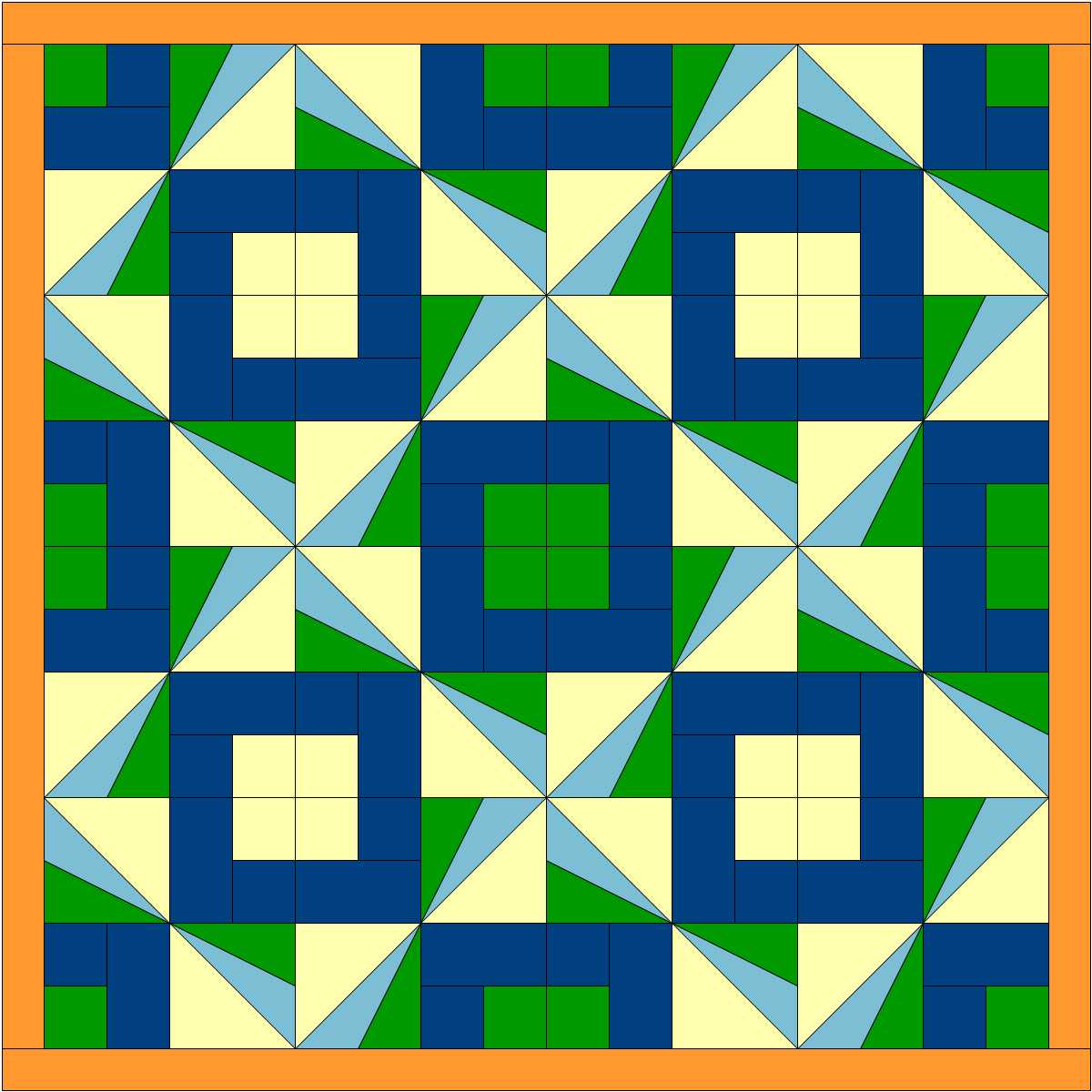
Pinwheel Plaid quilt design

Pinwheel Plaid quilt design

Pinwheel Plaid quilt design

Pinwheel Plaid quilt design

In my last post I used the new upgrade of Electric Quilt (EQ8) to make a quilt layout plugging blocks from EQ's Block Library into a grid. That was lots of fun.  But this week I decided to try creating an original design using EasyDraw Block in the program that would be assembled with foundation piecing, also known as paper piecing.  In foundation piecing, the block design is printed on paper and the fabric is sewn onto the design on the paper. When the quilt is finished, the paper is torn away, just leaving the fabric quilt top.

It took me a couple tries to get a workable design since I don't usually do foundation piecing.  My first design would have been a piecing nightmare--even with foundation piecing. The good thing was that was crystal clear when EQ8 set up the design to be printed on the foundation paper. Even though that design wasn't going to work, I was glad to know that early on in the progress and was able to redirect myself to a revised design that was usable.

Here's my 2nd block and the quilt it would make.  Those solid blocks were just two intense. So I decided to tweak it a bit.

Sunbeams WIP 1.JPG
Pinwheels with solid blocks.JPG

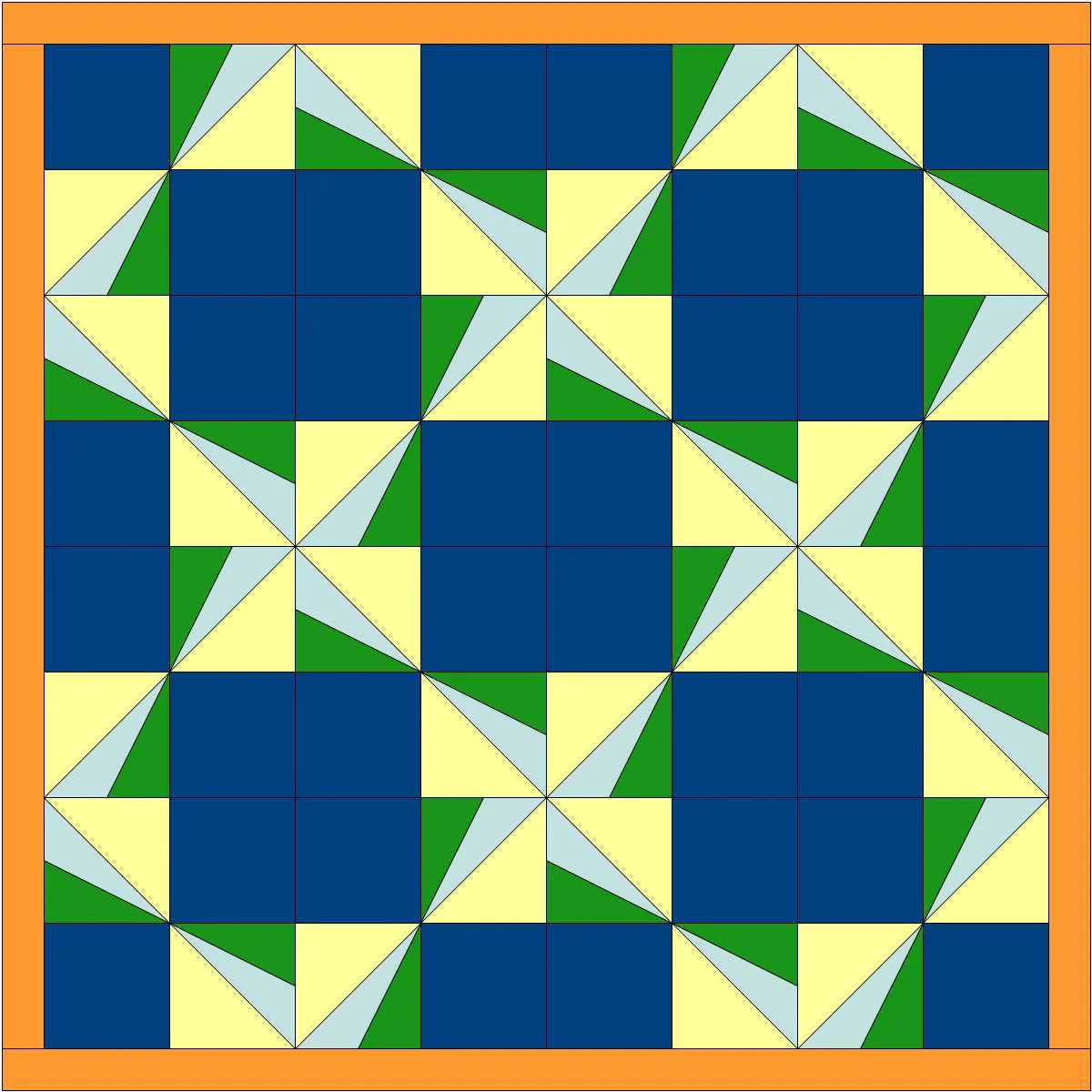
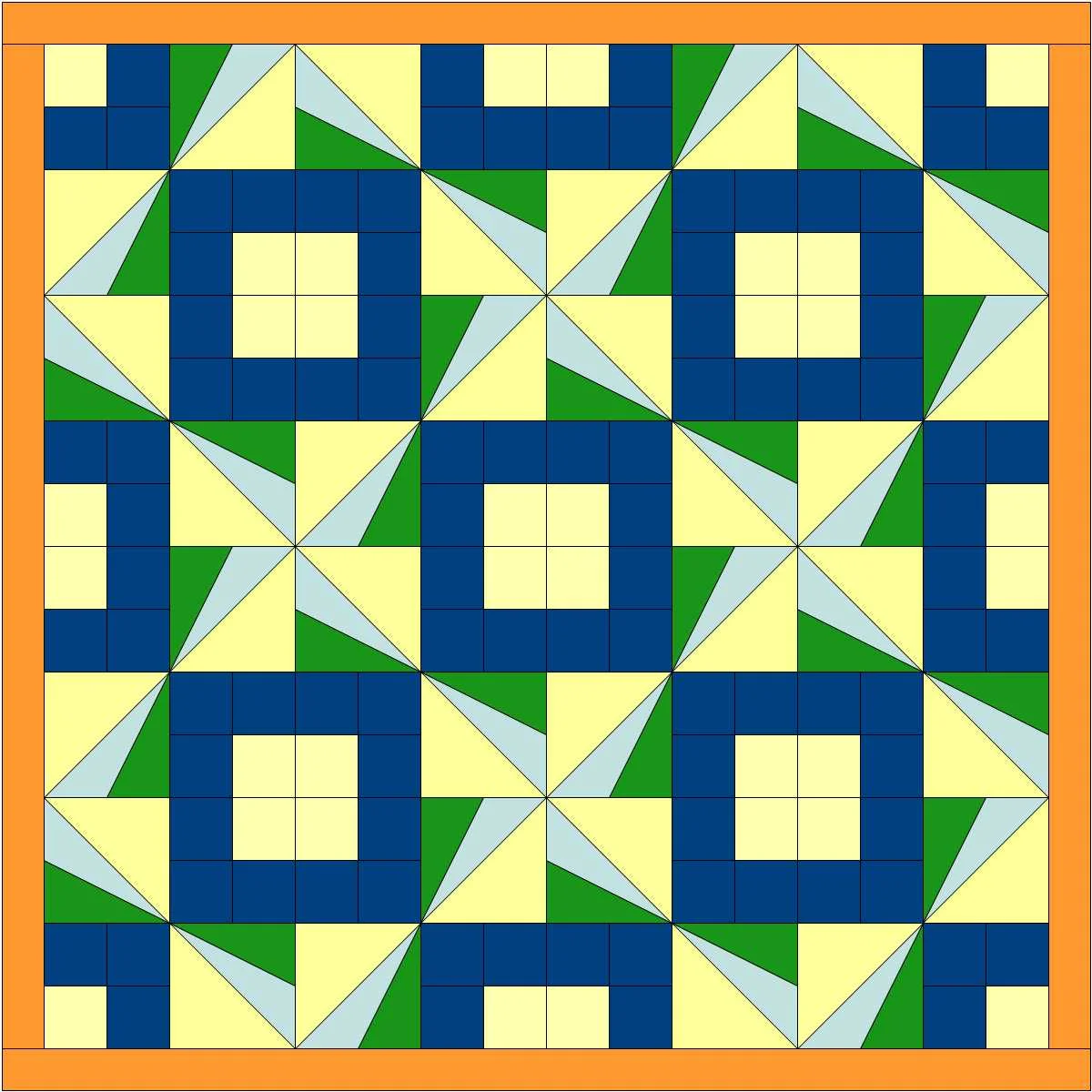
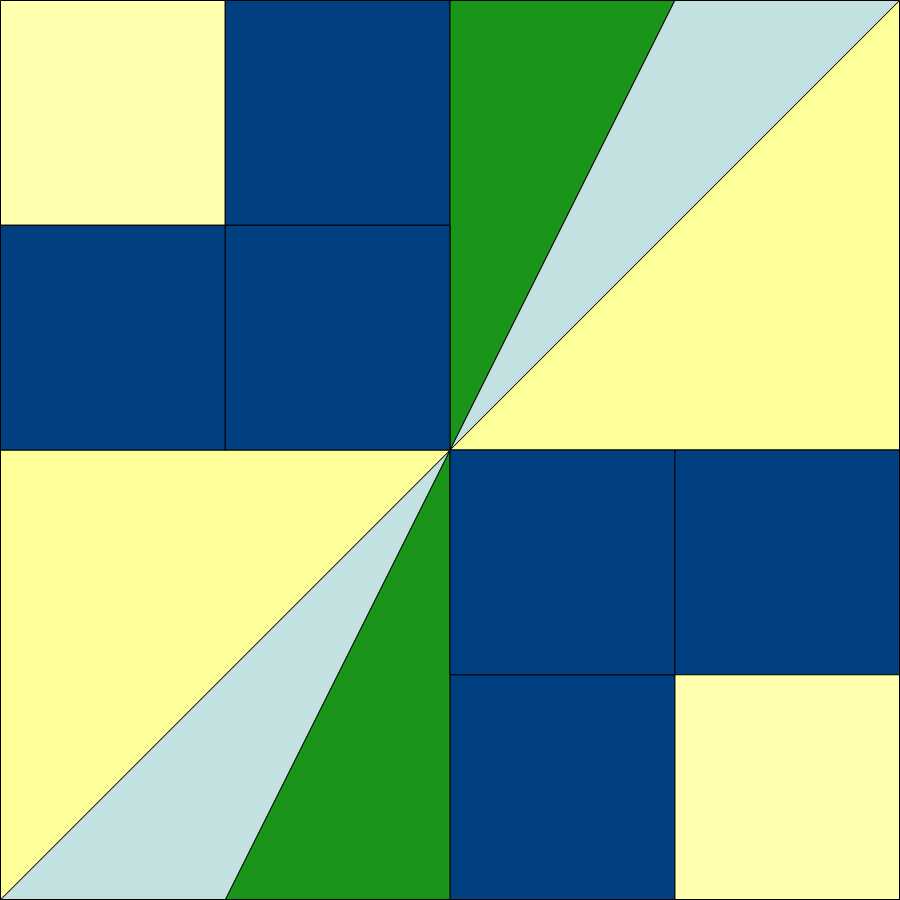
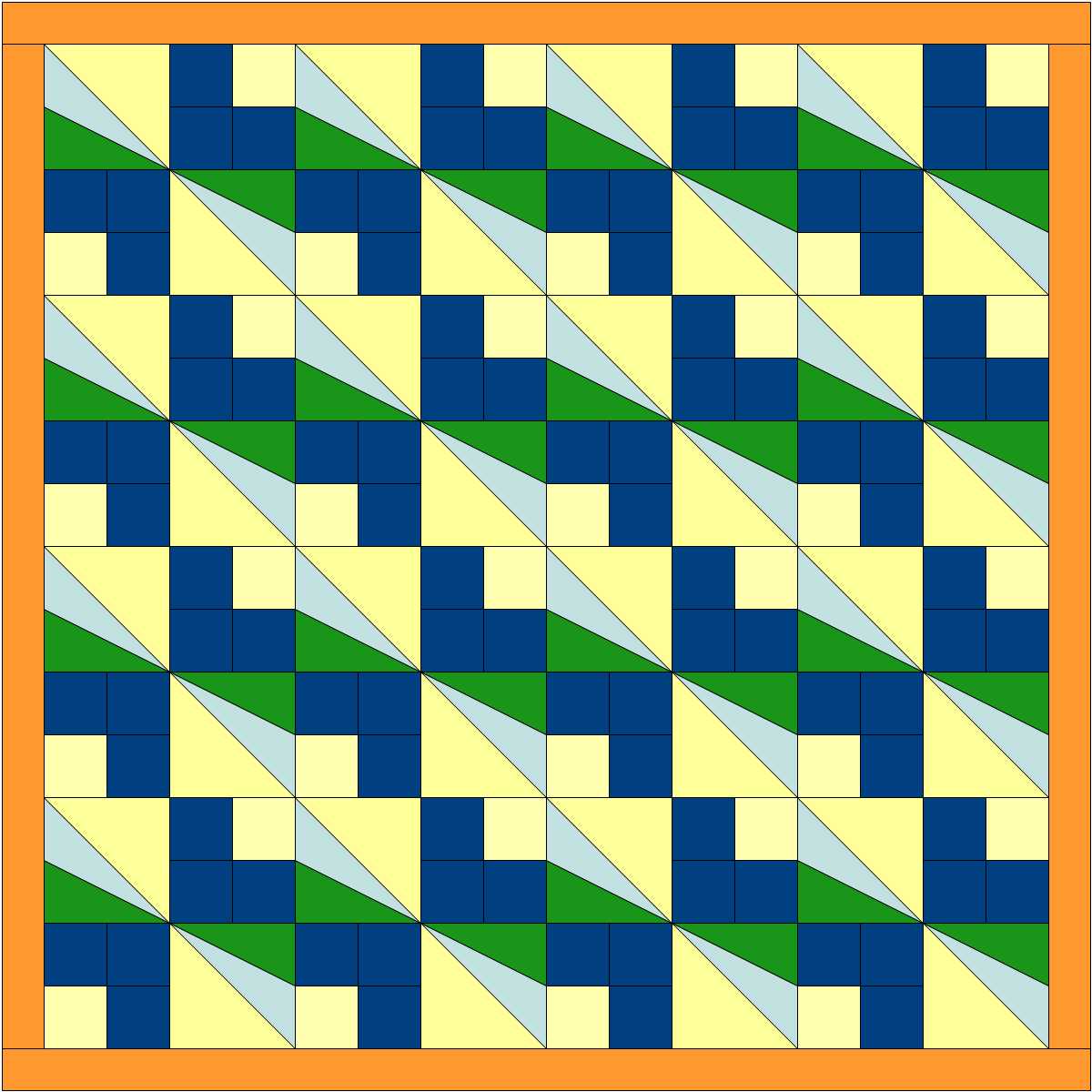
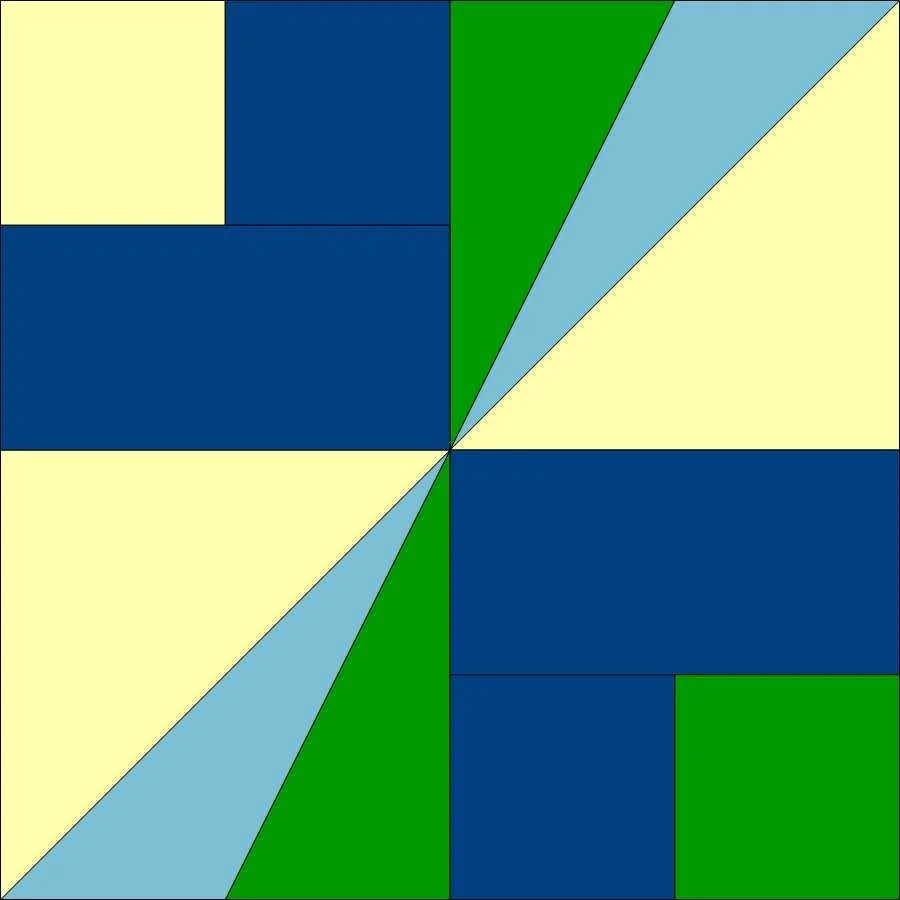
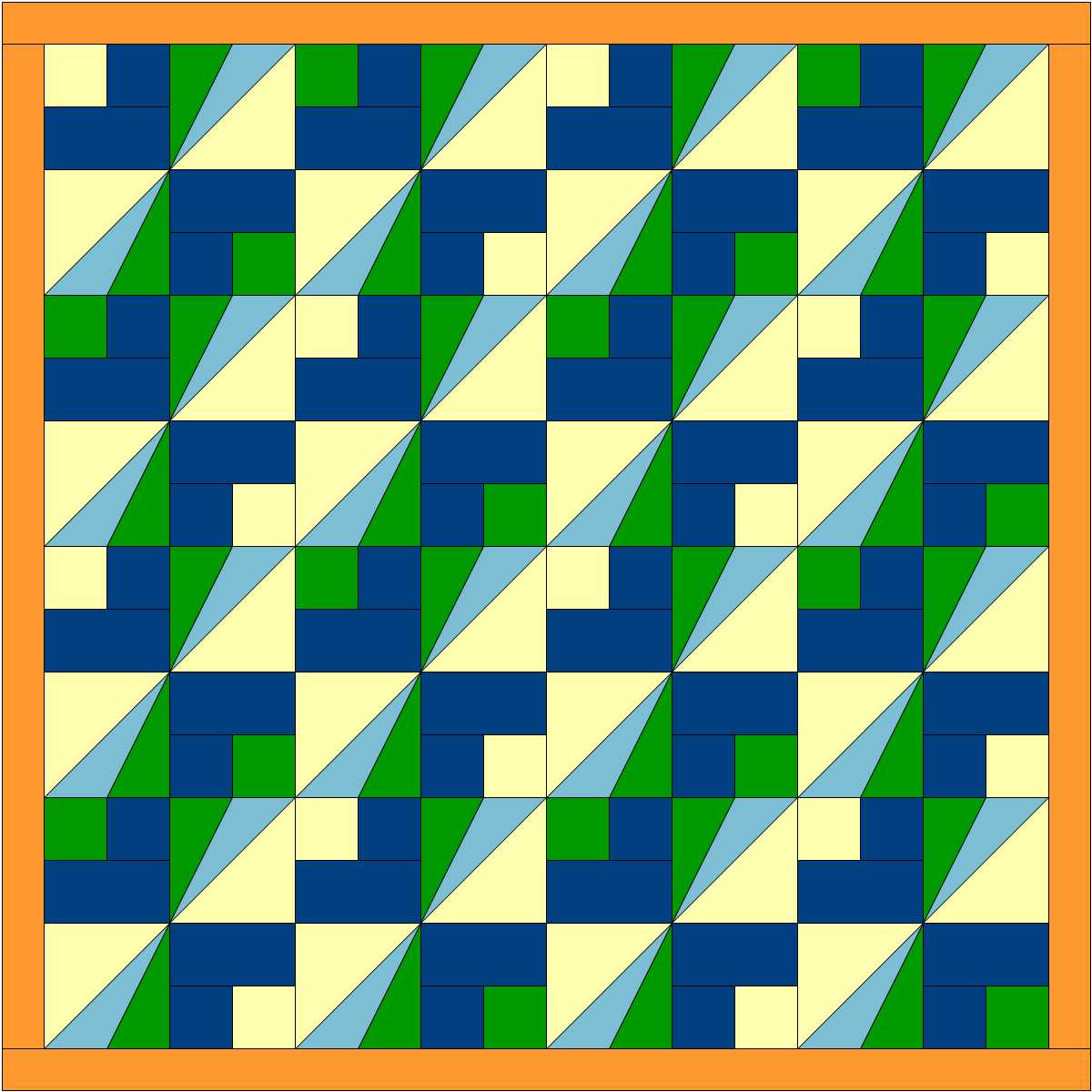
I went back to EasyDraw Block and added a couple lines and created a smaller square with a border in place of the solid square. Here's what that block and two quilts design options using that it look like. EQ8 has number of functions where you can let the computer change things up for you. I changed it up using the "Symmetry" tab. It's like having a design wall that moves all the blocks around for you! I prefer the quilt on the left, but it was fun to see the options.

Sunbeams.JPG
Sunbeam  Block with the same colors.JPG
Sunbeam staircase.JPG

Next I changed the color in one of pair of smaller blocks. That added some more interest. Here are some of the design options suggested by the "Symmetry" function.

Sunbeam block WIP 1.JPG
Sunbeams quilt 2 colors vs 3.JPG
Sunbeams quilt 2 colors vs1.JPG
Sunbeams quilt 2 colors vs 2.JPG


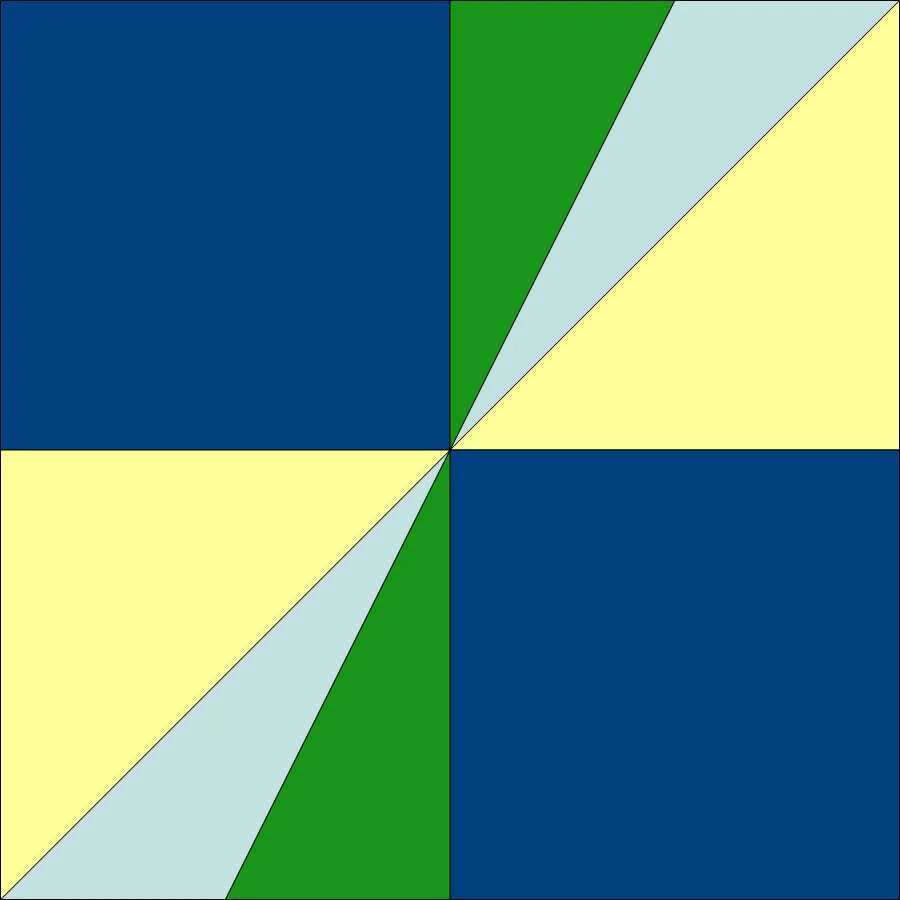
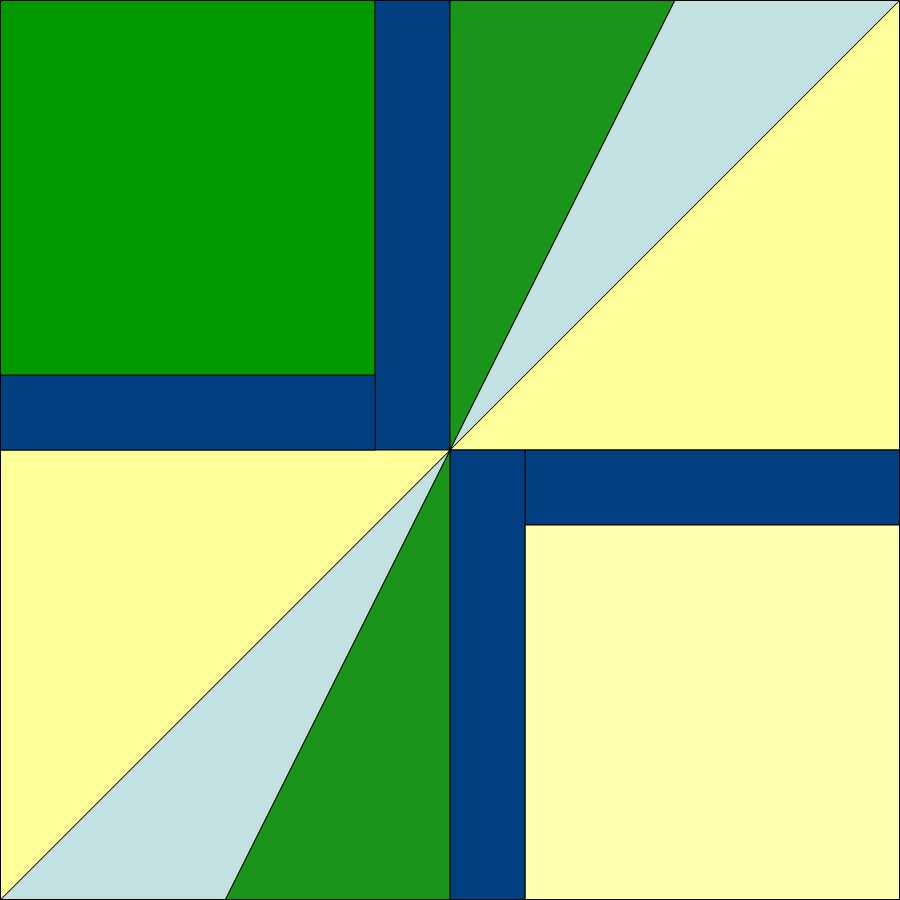
My final design is at the top of the page.  That was created with the block below, which has a narrower border. It was very easy to modify these blocks. While the Undo arrow probably would have done the job for me, I chose the Pick tool (a diagonal arrow) to pick the line I wanted, deleted that and drew the new line. It's really quick and it works well for me. I then used the "Symmetry" function again with this final design and let the computer flip the blocks on the virtual design wall until I found the design I liked best.

Sunbeams block.JPG

This was a really interesting project and I got better acquainted with EQ8 doing it.  I'm still finding my way around EQ8, but really appreciate a nimbleness and ease of use in this new upgrade.  I think the upgrade is definitely worth doing.


TAGS: Electric Quilt 8, Electric Quilt Computer Program, EQ8, Quilt Design, Designing quilts, Designing Foundation Pieced blocks in EQ8


Powered by Squarespace 7